

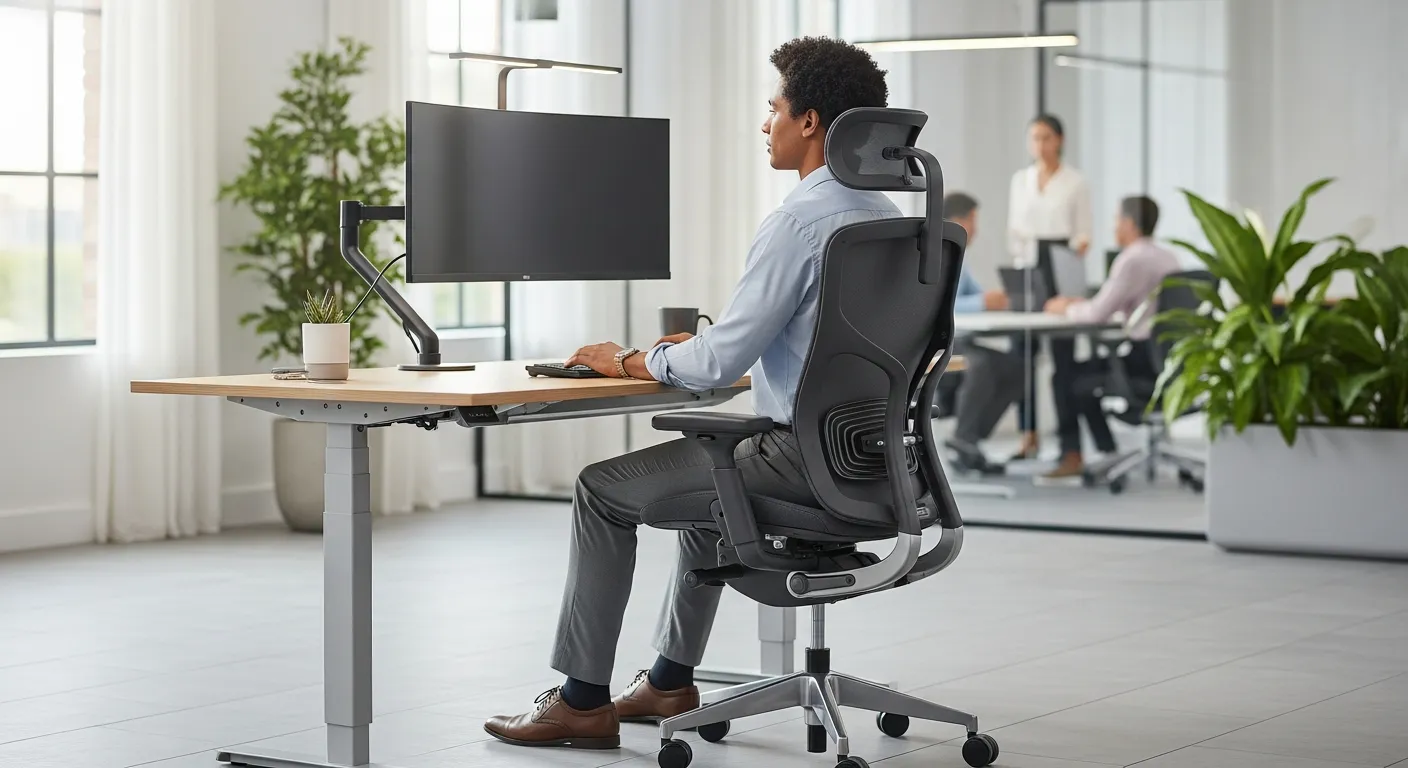
If you've ever finished a workday with a stiff neck, aching lower back, or numb wrists, you already know how much the physical setup of your workspace matters. What a lot of people don't realize, employees and employers alike, is that this isn't just a comfort issue. It's a legal one.
Employers have real, enforceable obligations when it comes to ergonomics. And understanding those obligations can protect both the people who work for you and the business itself.
What Does the Law Actually Say?
In most countries with developed labor standards like Canada, the United States, the UK, Australia, workplace health and safety legislation puts a general duty on employers to protect workers from reasonably foreseeable harm. Ergonomic injuries absolutely fall under that umbrella.
In Canada, for example, occupational health and safety regulations at the federal and provincial level require employers to identify hazards in the workplace and take reasonable steps to address them. Repetitive strain injuries (RSIs), musculoskeletal disorders (MSDs), and posture-related conditions are recognized hazards. That means if your employees are sitting at poorly configured workstations for eight hours a day and developing chronic pain as a result, that's not just bad management, it could be a regulatory violation.
In the U.S., OSHA doesn't have a specific ergonomics standard (a proposed one was actually repealed in 2001), but employers are still held to the General Duty Clause, which requires them to provide a workplace free from recognized hazards likely to cause serious harm. Ergonomic risks clearly qualify, and OSHA has issued ergonomics guidelines for specific industries like meatpacking, retail grocery, and poultry processing.
The takeaway: "we didn't know" is rarely a valid defense once the hazard is well-documented and widely understood.
What Counts as an Ergonomic Hazard?
Before employers can fix anything, they need to know what they're looking for. Common ergonomic hazards in office environments include:
- Monitor height — screens positioned too high or too low force the neck into awkward angles over time
- Chair setup — seats without proper lumbar support, wrong height, or no armrests contribute to back and shoulder problems
- Keyboard and mouse placement — reaching too far or angling the wrists incorrectly leads to repetitive strain conditions like carpal tunnel
- Static postures — staying in one position for too long, whether sitting or standing, stresses muscles and joints
- Inadequate rest breaks — not building movement into the workday compounds all of the above
For workers in warehouses, healthcare, manufacturing, or retail, the hazard list expands significantly: heavy lifting, awkward carrying positions, prolonged standing on hard surfaces, and repetitive reaching all factors in.
The Rise of Sit-Stand Desks and Why Employers Are Paying Attention
One of the most visible changes in workplace ergonomics over the past decade has been the adoption of height-adjustable desks. The shift makes sense — static sitting for long periods is genuinely bad for circulation, spinal health, and energy levels. Being able to alternate between sitting and standing throughout the day addresses a lot of those issues.
This is part of why the most popular standing desk in Canada has moved from being a niche piece of office furniture to something you'd find in law firms, tech companies, government offices, and co-working spaces. Employers who invest in height-adjustable workstations aren't just being trendy, they're actively reducing the conditions that lead to MSDs, absenteeism, and workers' compensation claims.
That said, simply buying a standing desk doesn't fulfill an employer's ergonomic duty. The desk needs to be set up correctly for each individual user, and employees need to actually be shown how to use it. A standing desk locked permanently in a standing position is just a different kind of ergonomic problem.
What Employers Are Actually Required to Do
Let's get specific. Here's what a reasonable ergonomic program looks like in practice:
- Conduct a workplace assessment. This means actually looking at how people are working, their posture, their tools, their tasks, and identifying where the risks are. Many jurisdictions require this as part of general hazard identification.
- Involve workers. Employees often know best what's hurting them. Good ergonomic practice (and good labor relations) means asking them. Joint health and safety committees in Canadian workplaces, for example, are specifically empowered to address ergonomic concerns.
- Provide appropriate equipment. Once hazards are identified, employers need to address them. That might mean adjustable chairs, monitor arms, ergonomic keyboards, anti-fatigue mats, or sit-stand desks. The specific solution depends on the job.
- Train people on how to use it. Equipment that isn't used correctly doesn't help anyone. Employees should understand how to set up their workstation properly, why it matters, and how to flag concerns if something isn't working.
- Review and adapt. Ergonomics isn't a one-time checkbox. As roles change, staff turn over, and people age, workstation needs change too. A good ergonomic program is ongoing.
What Happens When Employers Don't Bother?
The consequences are more significant than a lot of employers expect. Workers' compensation costs for musculoskeletal injuries are substantial, back injuries alone are among the most expensive workplace claims in both Canada and the U.S. Lost productivity from workers managing chronic pain adds up fast. And if an employee files a formal complaint with a labor regulator, employers can face inspections, orders to comply, and fines.
Beyond the legal and financial exposure, there's the human side of it. Chronic pain is genuinely debilitating. Employees dealing with RSIs or back problems don't just underperform at work, the injury follows them home.
A Practical Starting Point
If you're an employer who hasn't thought much about ergonomics before, the best first step is straightforward: walk around and actually look at how your people are working. Talk to them. Ask whether anything is causing them discomfort.
From there, bring in an occupational health professional if the issues are complex, or work through the ergonomics resources that most provincial and national safety agencies publish for free. You don't need to overhaul everything at once, but you do need to take it seriously.
The law expects it. Your employees deserve it. And your bottom line will thank you for it.


